

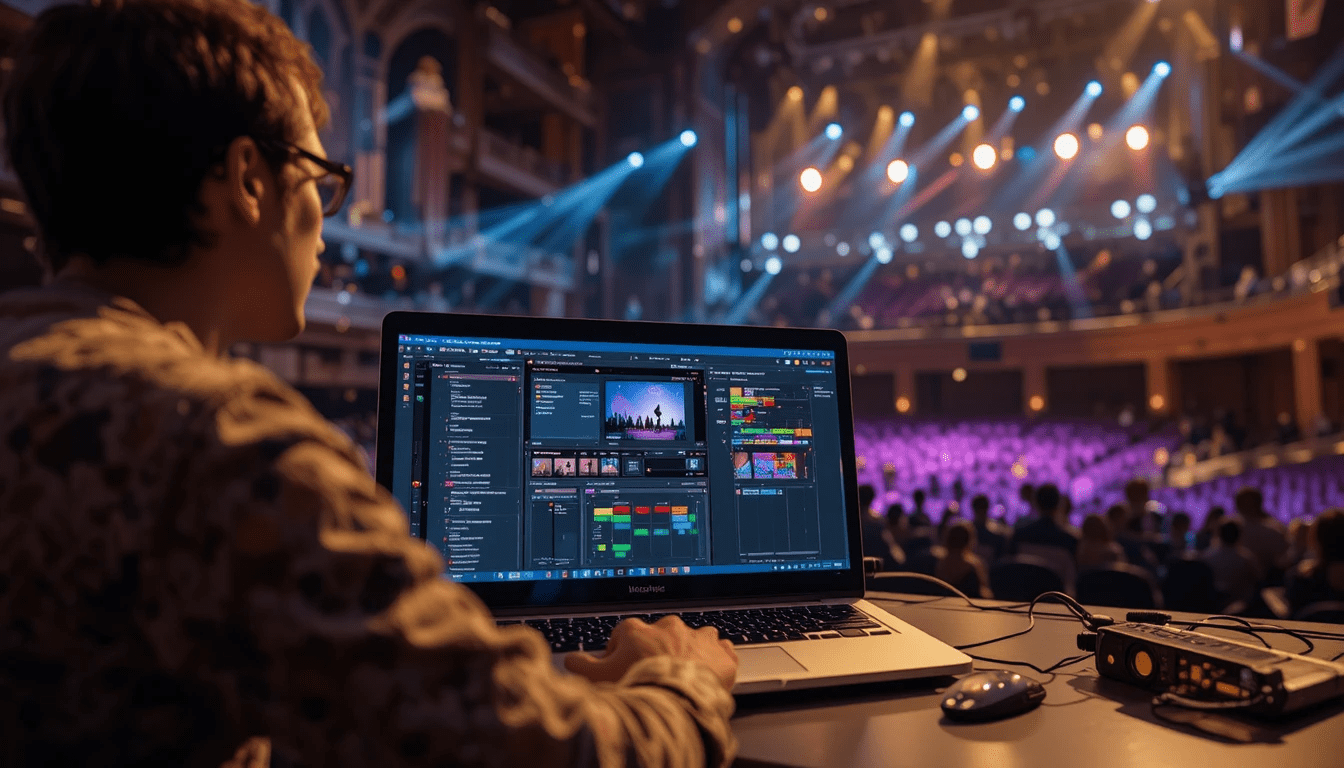
Have you ever tried programming a lighting show without the actual console in front of you? If you have, you know it can feel a little like juggling in the dark. I remember being stuck at home one weekend with an upcoming performance, wishing I could practice cues without touching the venue console. That’s exactly where ColorSource 40 Offline Software comes to the rescue. It’s the tool that lets you prep, experiment, and perfect your lighting shows — even if the console isn’t available.
For anyone working with the ETC ColorSource 40, this software isn’t just a convenience; it’s a lifesaver. Let’s dive into how it works, why it’s so useful, and how you can get the most out of it.
What Is ColorSource 40 Offline Software?
At its core, ColorSource 40 Offline Software is a digital version of the ColorSource 40 lighting console. It mirrors the console’s interface and functionality, allowing designers to program cues, adjust colors, and build lighting sequences without a physical board connected.
Think of it like practicing a musical instrument on a simulator before a live performance. You’re doing the real work, but in a safe environment where mistakes don’t affect anyone or anything.
This is especially useful for theaters, schools, small venues, or even churches, where access to the actual console might be limited or shared among multiple productions.
Key Features That Lighting Designers Love
🎨 Cue Programming Anywhere
With the offline software, you can create, edit, and reorder cues exactly like you would on the physical console. I’ve found this feature invaluable when testing transitions or building a show from scratch without disturbing rehearsals happening in the venue.
🌈 Color and Fixture Management
ColorSource 40 Offline Software lets you control colors, dimmers, and fixture behavior digitally. You can experiment with warm whites, blues, and dynamic mixes to see how they feel together before loading the show to the console. It’s kind of like trying out paint swatches on a wall before committing.
🛠 Safe Editing and Experimentation
Ever been nervous about tweaking a live show and accidentally erasing cues? This software eliminates that worry. You can try different sequences, timing, or fade lengths without the risk of messing up a performance.
💻 Cross-Platform Convenience
The software runs on both Windows and Mac, which is great if you’re bouncing between school labs, personal laptops, or venue PCs. I’ve personally used it on my home MacBook to prep shows for weekend performances, and it saved me hours of last-minute adjustments.
How It Supports the Workflow
Using offline software doesn’t just save time — it improves workflow efficiency. Here’s how:
- Prepping Shows: Build and test your cues before stepping into the venue.
- Collaboration: Share show files with other designers or operators so everyone’s on the same page.
- Learning: Beginners can practice without needing the actual console, which is perfect for students or volunteers.
I remember a student production where multiple people needed to work on the same show file. Offline software made it easy to collaborate remotely. Everyone could tweak their part and merge it later, avoiding confusion or conflicts.
Tips for Getting the Most Out of ColorSource 40 Offline Software
- Start With a Template: If you’re new, use an existing fixture setup to understand how cues work.
- Label Everything Clearly: Naming cues and sequences avoids confusion when you transfer files to the real console.
- Test Transitions Digitally: Play with fade times and colors before the live run. It saves a lot of on-site stress.
- Backup Regularly: Even offline files can get corrupted. A simple backup routine will prevent last-minute panic.
Real-World Benefits
For anyone managing small or medium productions, offline software is more than just a tool; it’s a time-saver, stress reducer, and rehearsal enhancer. I’ve personally used it to:
- Prep lighting for a weekend theater show without touching the console
- Experiment with creative color sequences before performing in front of the director
- Train new team members on programming without the risk of altering live cues
All of these small advantages add up. Shows run smoother, creativity isn’t stifled, and team coordination improves.
FAQs About ColorSource 40 Offline Software
Can I fully run a show using offline software?
No, offline software is for programming and practicing. You still need the physical console to execute live shows.
Is it compatible with all ETC ColorSource 40 consoles?
Yes, it mirrors the latest console firmware. Just make sure your software version matches your console’s version.
Can beginners use it effectively?
Absolutely. Many students and volunteers start with offline software because it’s safe, low-pressure, and mirrors the console exactly.
Does it support all fixture types?
It supports fixtures compatible with the ColorSource 40 system. Some advanced or third-party fixtures might need real console testing.
Is it free?
ETC provides the offline software for console users. Check their official site for the latest version and download instructions.
Final Thoughts
Lighting design is all about timing, color, and creativity. ColorSource 40 Offline Software gives you a playground to test, experiment, and refine your ideas without pressure. For beginners, it’s a safe environment to learn. For professionals, it’s a tool to save time and reduce errors.
If you want your lighting shows to be polished, creative, and stress-free, offline software is a must-have companion. Trust me — once you start using it, you’ll wonder how you ever programmed shows without it.
